How to Respond to Customer Concerns with Speed and Clarity
Every business that deals with customers eventually faces the same challenge: how to respond to customer concerns in a way that feels personal, timely, and genuinely helpful. I have spent years working in customer experience roles, and I have seen both the good and the bad. The difference between a loyal customer and one who walks away often comes down to how you handle their worry or complaint. Speed matters, but so does understanding what the customer actually needs. Too many teams reply fast but say nothing useful, or they take so long crafting the perfect answer that the customer has already moved on.
What I have learned is that the problem is rarely a lack of effort. Most teams want to help. The issue is that customer messages arrive in a flood. They come through email, chat, social media, and support tickets. Each one contains a mix of frustration, context, and sometimes unrelated noise. Picking out the real concern from a long message takes time, and when you have dozens or hundreds of these every day, something slips. That is where a structured approach to feedback management changes everything. It lets you see patterns instead of isolated complaints, and it helps you respond to customer concerns with consistency and care.
Why a Fast Reply Is Not Always the Right Reply
Early in my career, I managed support for a small e-commerce site. Our policy was to answer every ticket within two hours. We prided ourselves on speed. But we also made mistakes. We would skim a message, see a keyword like "refund," and send a standard refund form without reading the full story. The customer had actually asked about a product defect, not a return. Our fast reply made them feel unheard. They had to write again, and by then they were angry.
Speed is valuable, but it only works if you actually address the concern. A quick reply that misses the point can damage trust more than a slightly slower one that gets it right. The trick is to combine speed with accuracy. That means you need to process the message quickly, identify the real issue, and then craft a response that shows you understand. This is not easy to do at scale. It requires a system that helps human agents focus on what matters, not just on responding fast.
In my experience, the teams that handle this best use tools that automatically organize incoming messages. They do not rely on agents to read every word and guess the priority. Instead, the system surfaces the most urgent concerns and groups similar issues together. That lets a manager see that ten customers have reported the same bug, rather than treating each one as an isolated problem. Then the team can respond to customer concerns with a single, well-written update instead of ten separate, inconsistent replies.
How Feedback Management Changes the Conversation
Feedback management platforms like Loopback are built to solve exactly this bottleneck. They take in customer messages from every channel and use artificial intelligence to sort, summarize, and rank them. The goal is not to replace human judgment but to support it. When an agent opens a ticket, they see a summary of the core concern, not a wall of text. They also see whether this issue has been raised before and what the previous response was. That context is gold.
I have watched teams cut their average response time by half while also improving customer satisfaction scores, simply because they stopped wasting time on manual triage. Instead of reading ten long messages to figure out which one needs immediate action, the system tells them. The agent can then focus on writing a thoughtful reply. The customer gets a faster answer, and the answer actually matches what they asked.
One common worry I hear from managers is that using AI to prioritize messages might feel impersonal. But the opposite is true. When a human is freed from sorting and summarizing, they have more mental energy to be empathetic. They can read the summary, recall a similar situation from last week, and write a reply that references the customer's specific experience. That feels personal because it is. The technology handles the grunt work, and the human handles the relationship.
Practical Steps for a Better Response Workflow
If you want to improve how your team handles customer concerns, here are a few things I have seen work in practice. They are not theoretical. I have watched these steps reduce repeat contacts and improve team morale.
- Centralize every channel. If your team checks email, chat, and social media separately, you are creating blind spots. A single inbox that collects everything lets you see the full picture and respond to customer concerns without missing context.
- Use AI to summarize, not to write. Let the system pull out the key points from a long message. Then have a human write the reply. Automated replies work for simple confirmations but fail when a customer is upset or confused.
- Track recurring themes. When the same concern appears multiple times, it is a signal. Do not just reply to each one individually. Create a standard response that addresses the pattern, and share it with the team. This keeps replies consistent and reduces workload.
- Review response quality regularly. Speed metrics are important, but so is accuracy. Pull a random sample of replies each week and ask: did this actually answer the customer's question? If not, find out why and adjust.
These steps are simple to describe but take discipline to execute. The hardest part is usually getting everyone on the same system. Once you do, the improvement in response quality is noticeable within weeks.
Loopback Respond to Customer Concerns as a Team Habit
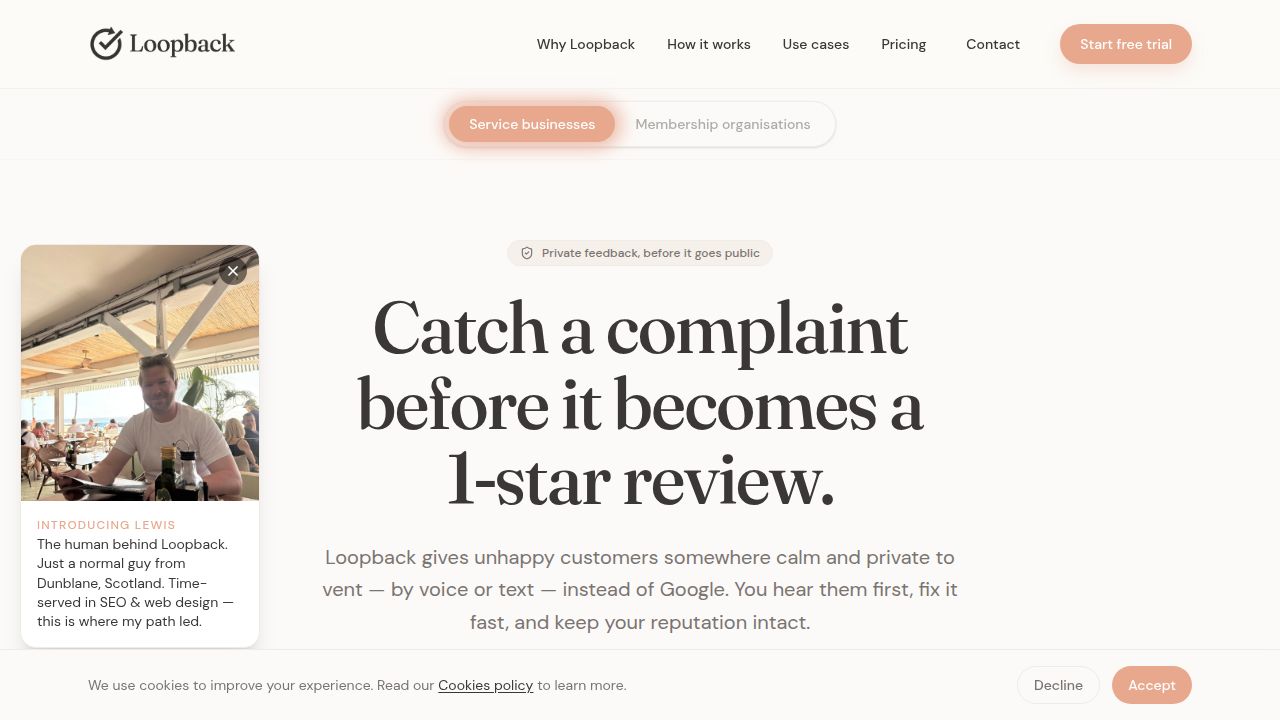
One platform that has helped teams put these ideas into practice is Loopback. When a team uses Loopback respond to customer concerns, they are not just replying faster. They are working from a shared understanding of what customers actually need. The AI layer organizes incoming messages so that the team sees priorities at a glance. That might sound like a small shift, but in practice it changes how the whole team operates.
I remember a support manager telling me that before they adopted a feedback management tool, every Monday morning was chaos. The weekend had generated a pile of tickets, and no one knew where to start. The team would grab tickets at random, and the same customer might get two different answers from two different agents. After they started using Loopback respond to customer concerns, the Monday pile was still there, but it was sorted by urgency and topic. The manager could assign the most critical issues first, and the team could see which questions had already been answered in previous threads. The chaos became manageable.
That kind of structure does not just help customers. It helps the people on the front line. They feel less overwhelmed, and they can take pride in their work because they are not constantly putting out fires. Good feedback management turns reactive scrambling into proactive problem solving.
Trade-Offs and Judgment
No system is perfect. AI summaries can miss nuance, especially when a customer uses sarcasm or indirect language. That is why human review remains essential. I have also seen teams become too dependent on automation and stop reading the full message. That is a mistake. The summary is a starting point, not the whole story. A good agent always reads the original message, at least for complex or sensitive cases.
Another trade-off is that implementing a new workflow takes time. You need to train the team, integrate with existing tools, and adjust the way you measure success. Some teams rush this and end up with a system that nobody uses properly. The better approach is to start with one channel, get it right, and then expand. Patience here pays off in adoption and long-term results.
Ultimately, the goal is not just to reply faster. It is to build a system where every customer feels heard, even when the volume is high. That requires both good tools and good habits. When a team learns to respond to customer concerns with clarity and consistency, they build trust that lasts through mistakes and product changes.
If you are responsible for customer experience at your company, I encourage you to look at your current response process. Are you reacting to each message as it comes, or are you seeing the bigger picture? Are your agents overwhelmed or supported? The answers to these questions will tell you whether your team is set up to succeed. Small changes in how you organize and prioritize feedback can make a huge difference in how your customers feel about your brand.